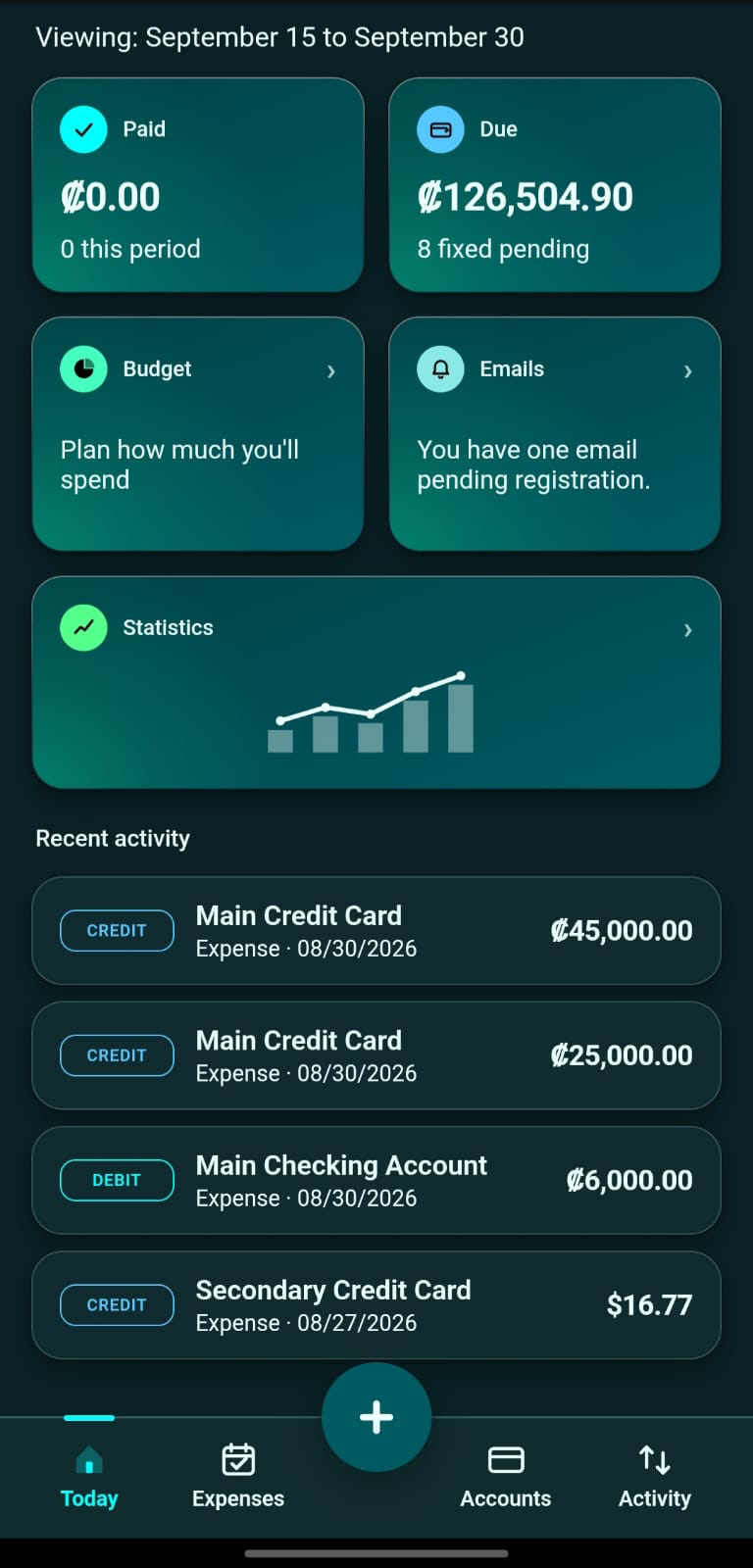
Equilibrio began as a real spreadsheet, used for years to track real finances: what comes in, what goes out, what is owed, and what still needs to be paid this month. It worked, but lived on a computer and had to be updated by hand.
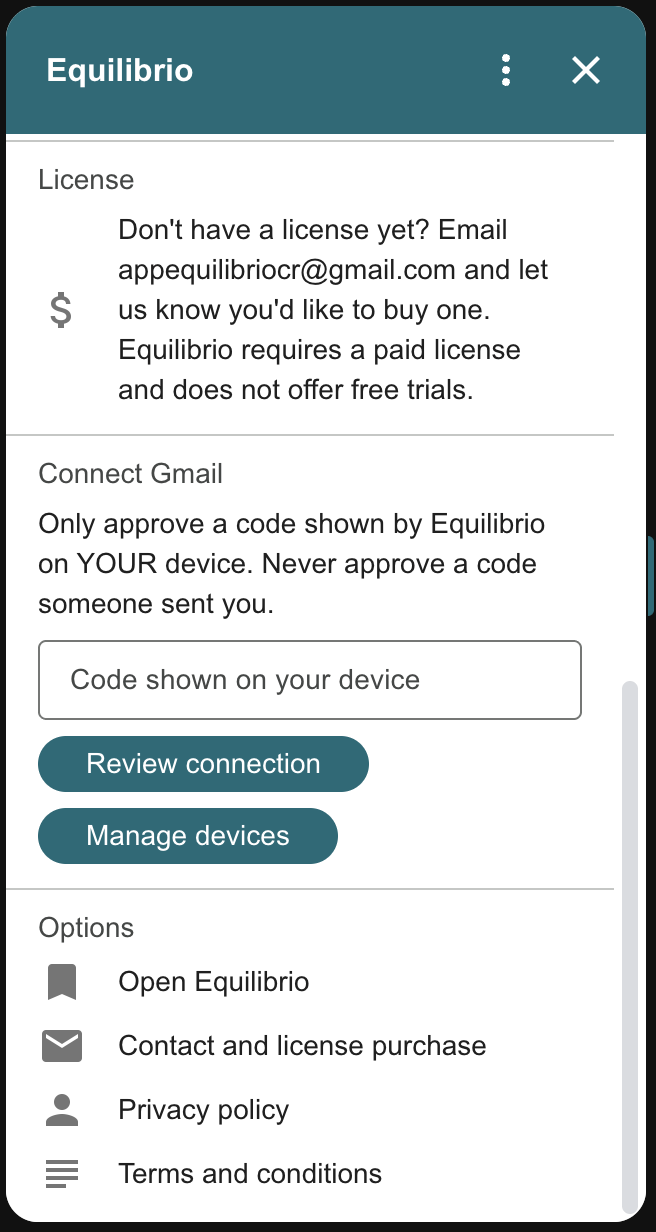
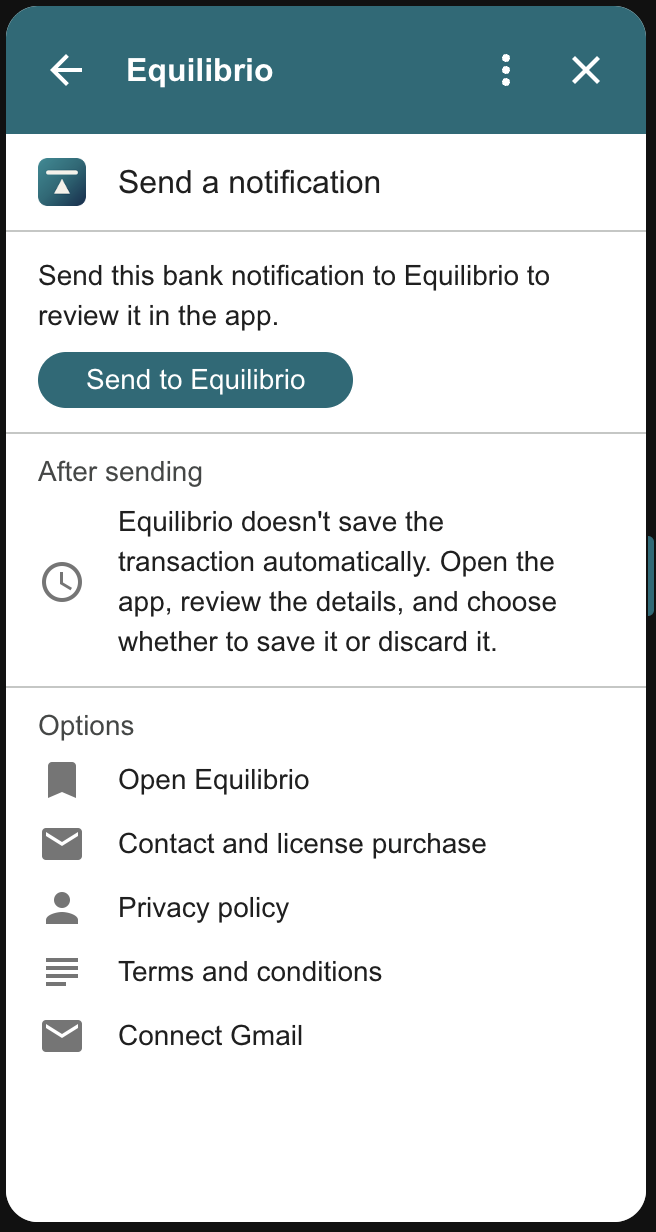
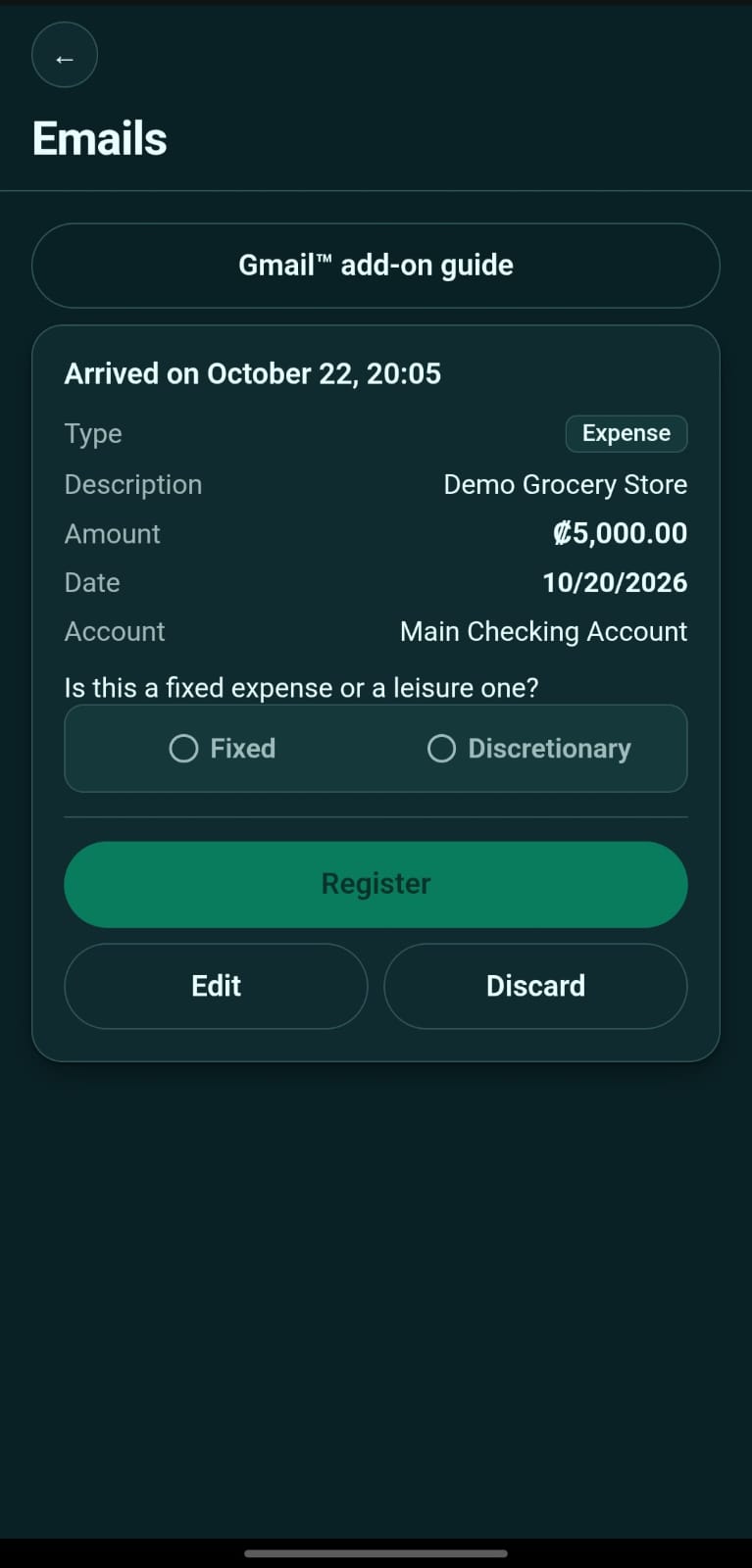
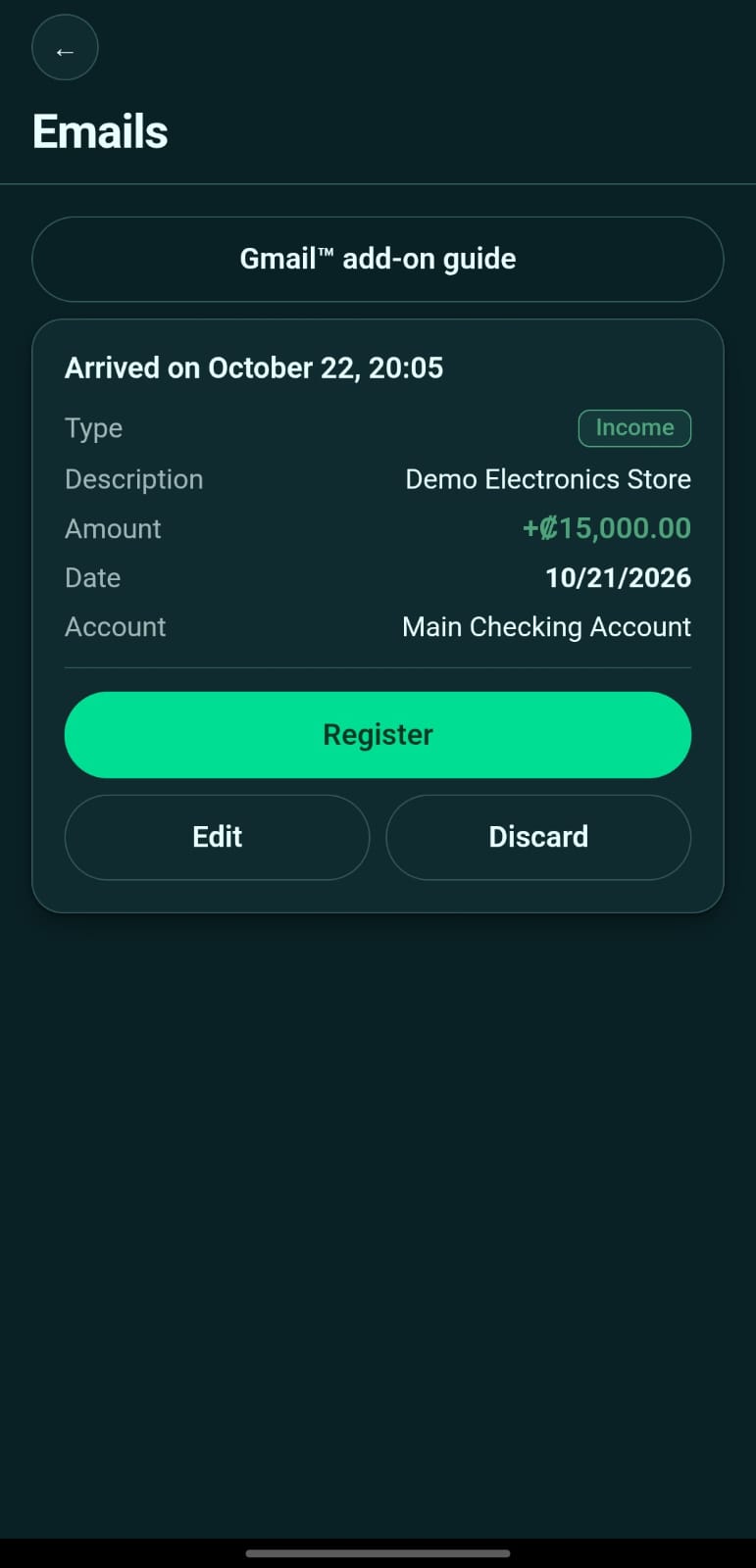
This application does the same on your phone, with one important difference: it understands the notifications your bank sends you. When a purchase email arrives, the amount, date and merchant are read automatically and made ready to save.
It does not connect to any bank or ask for your passwords. Using the notification text you provide, it prepares a transaction for you to review and confirm, without typing it from scratch.
What makes it different
Reading bank notifications
Paste a notification and the application extracts the amount, date and merchant. It understands formats from several Costa Rican banks and has a generic reader that identifies data by its name and format, in Spanish or English, for unfamiliar banks. If it detects a possible duplicate, it warns you before saving so you can review it; you can continue when it is another legitimate transaction.
Accounts
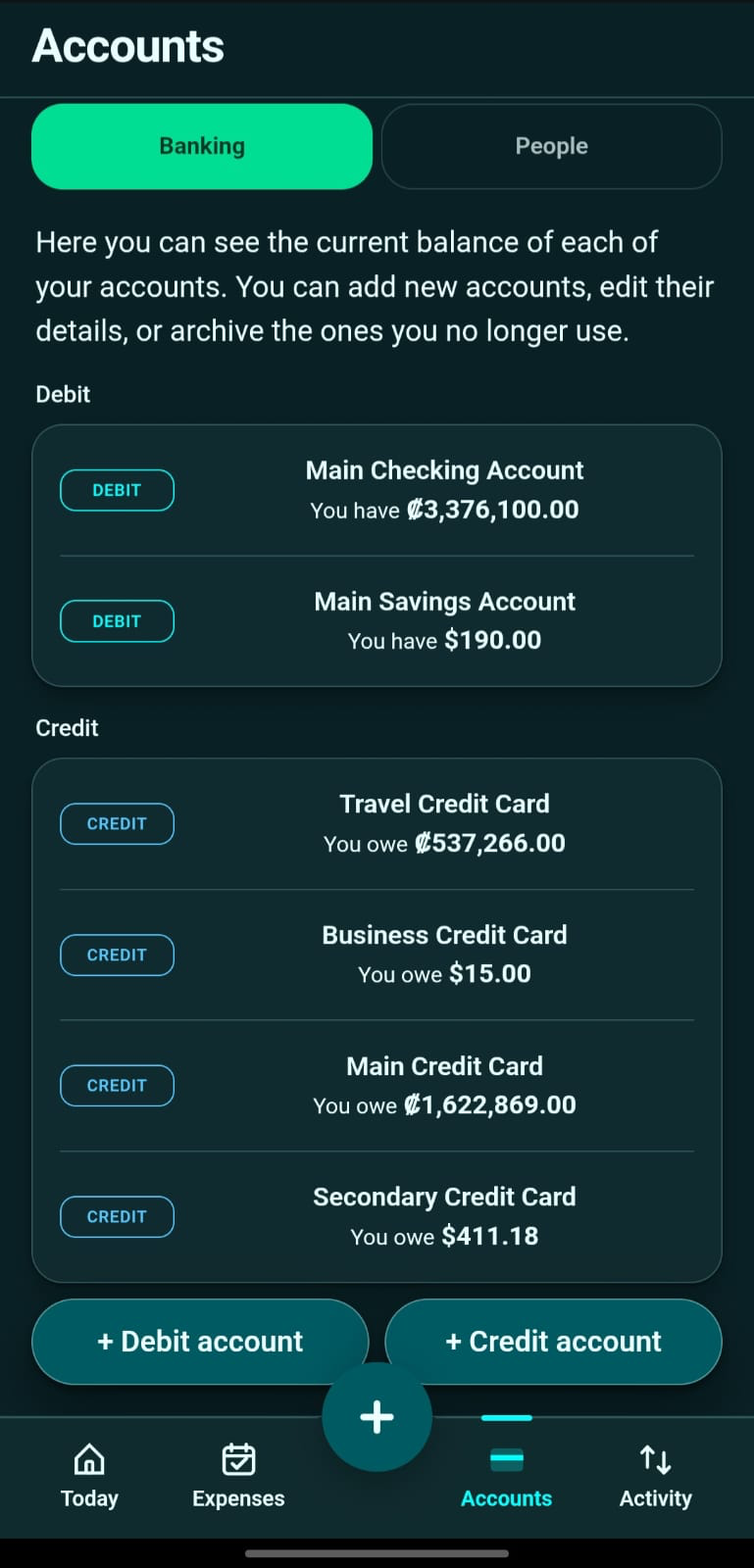
Each account uses a single currency and is either debit or credit. A debit account can be marked as savings, changing how it is included in totals. You can save the last four card digits to help match bank notifications to the right account.
People
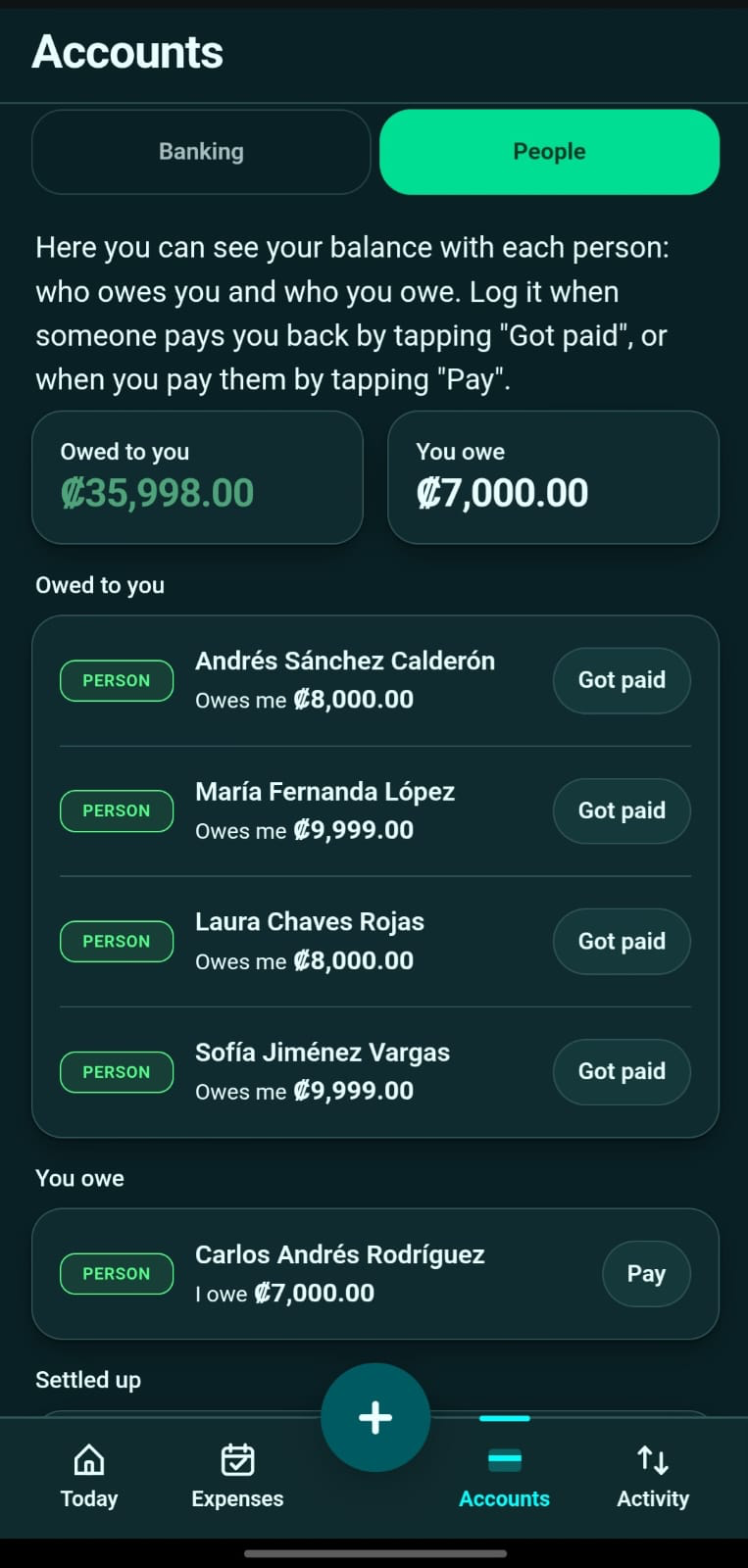
Besides accounts, you can record people you owe money to or who owe you money. A loan between friends is tracked like an account, in either direction.
Transactions
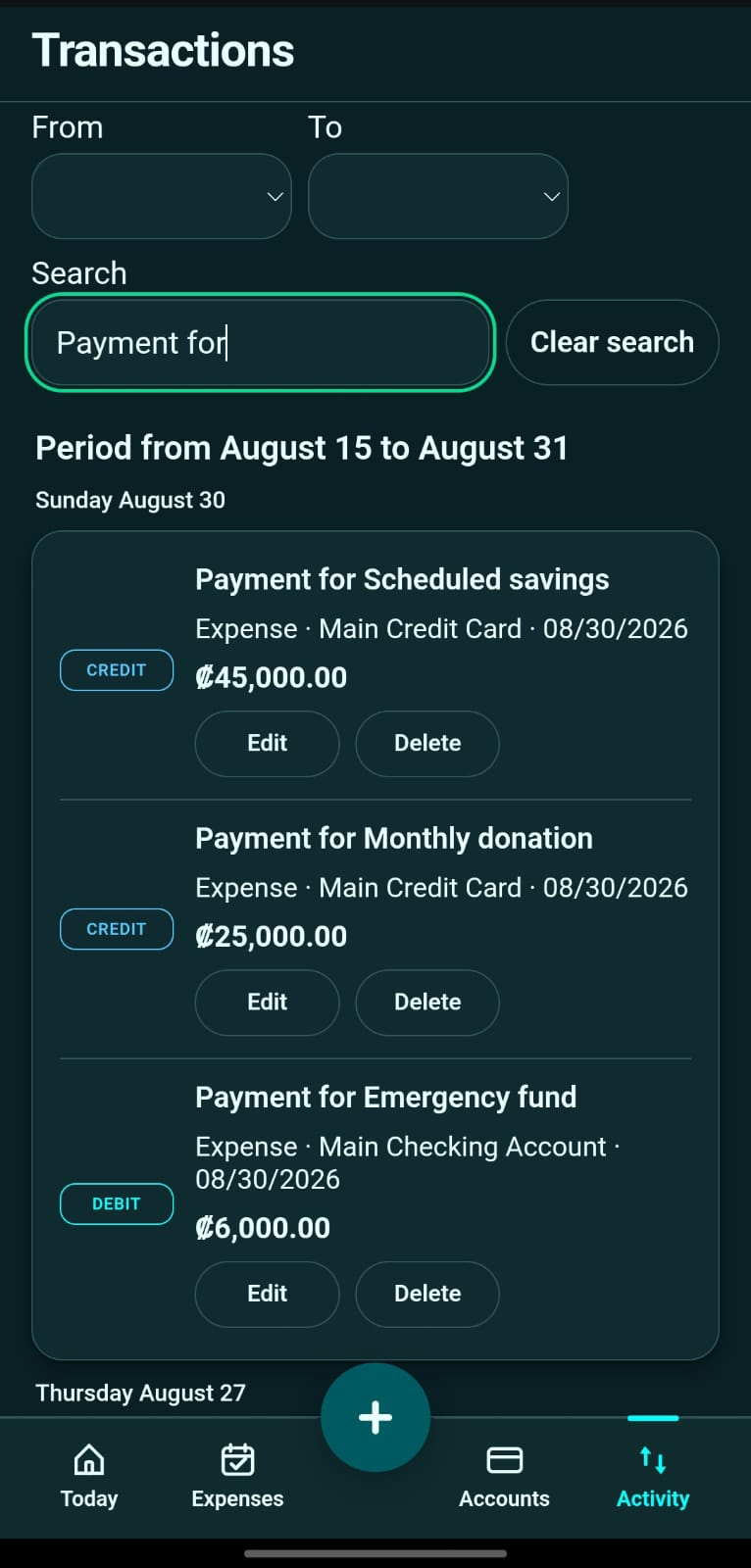
Nine types, each with its own form: income, an expense, recording money a person owes you without moving money from your accounts, someone paying you, you paying someone, a credit card payment, moving money between your own accounts, a bank finance charge, and each account's opening balance. All can be edited and deleted later.
Fixed expenses
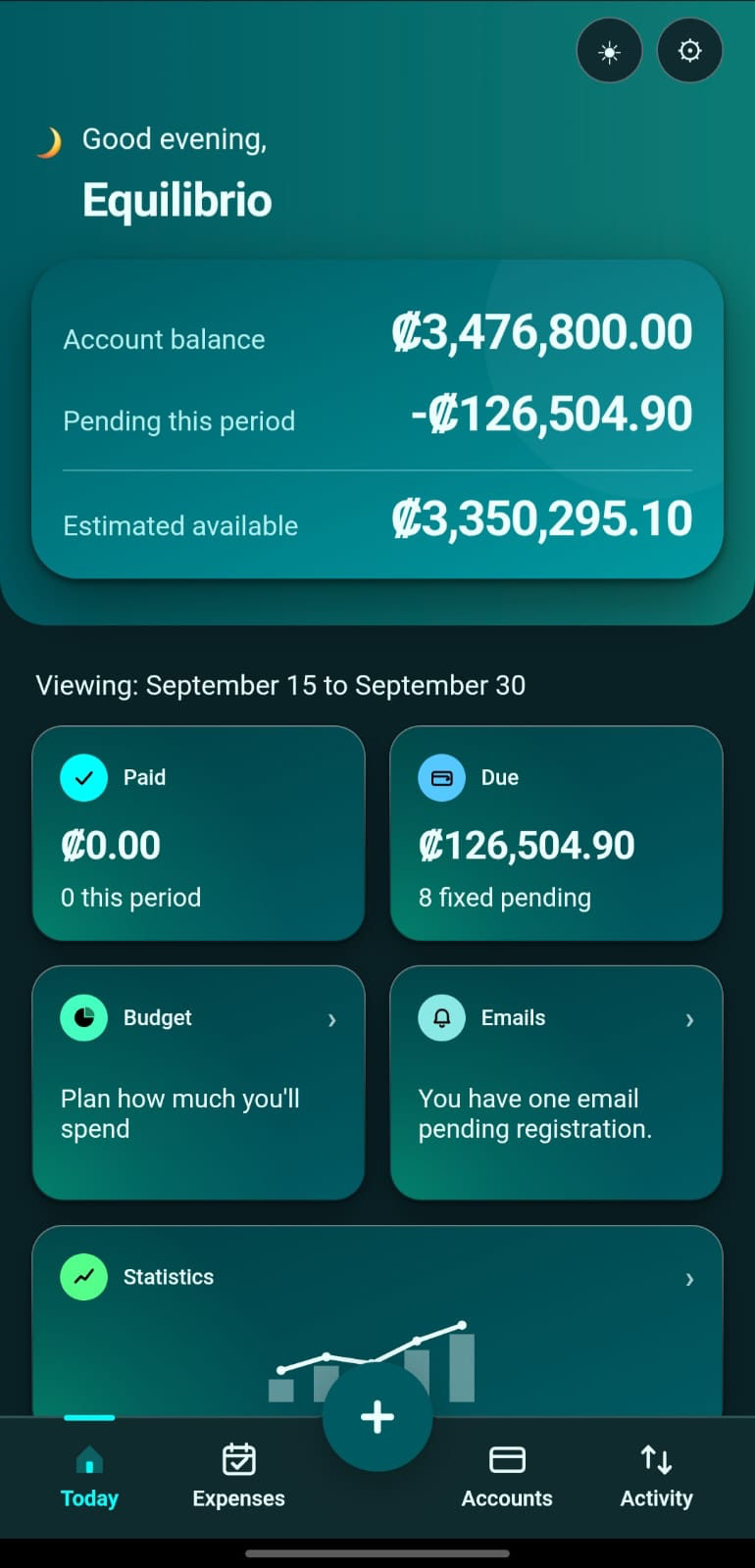
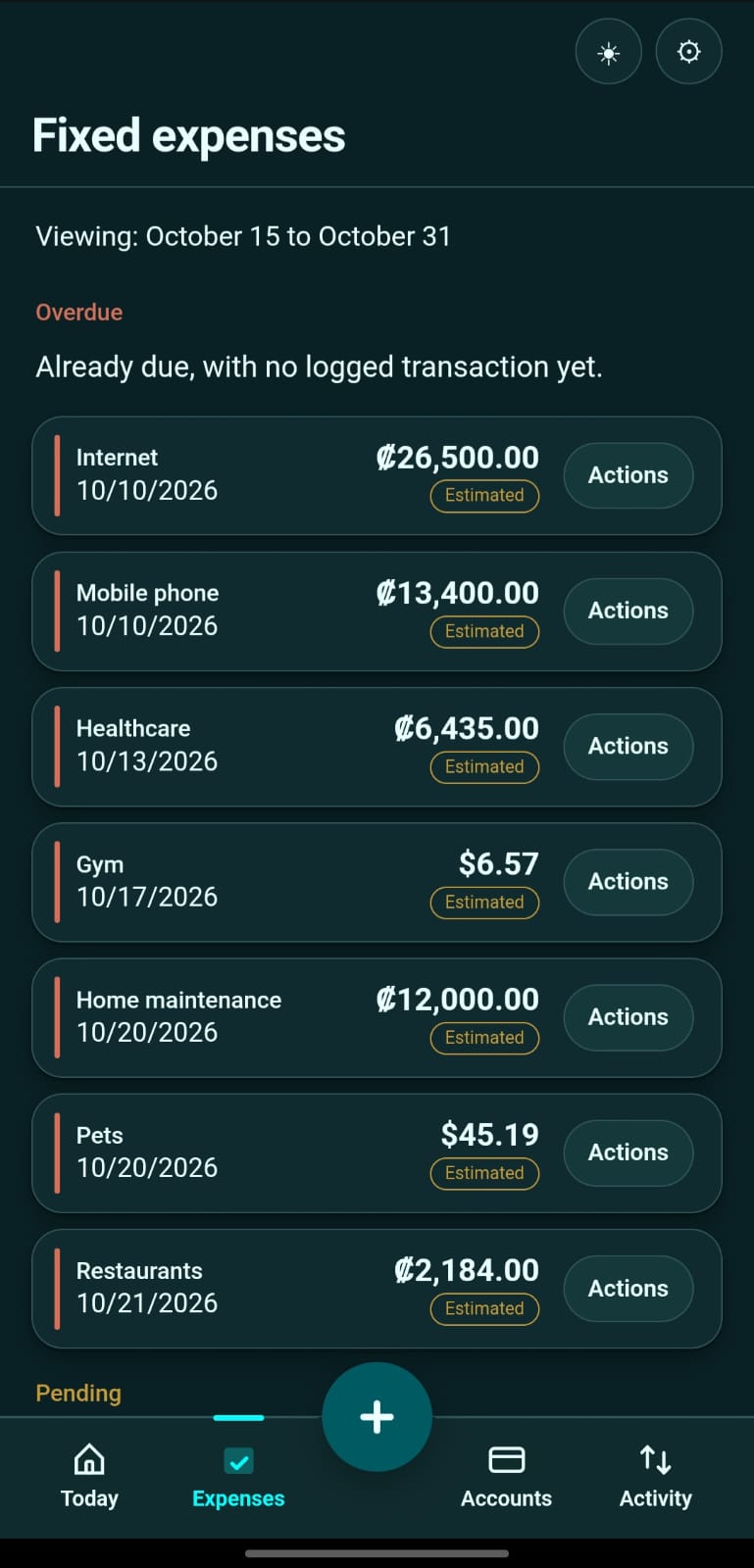
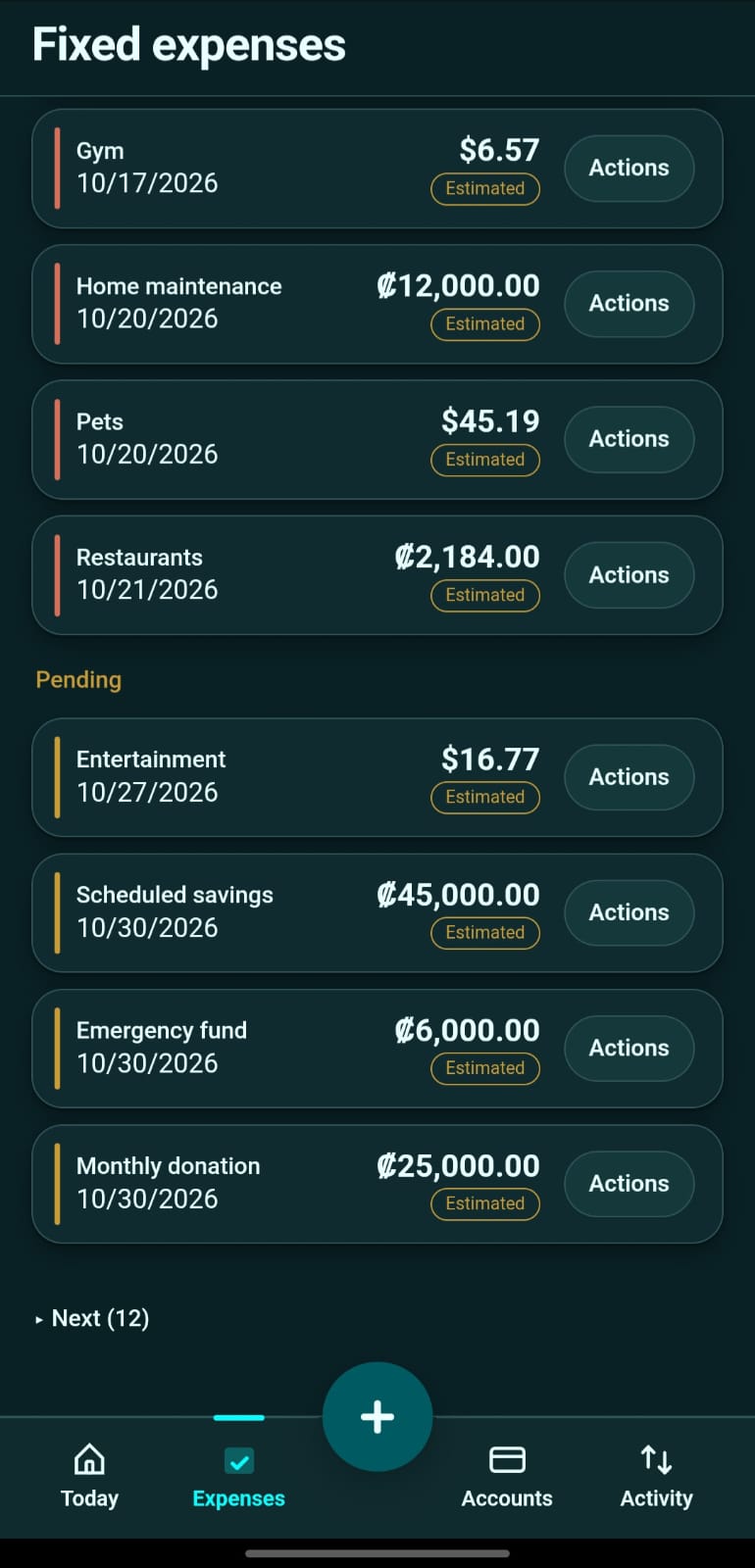
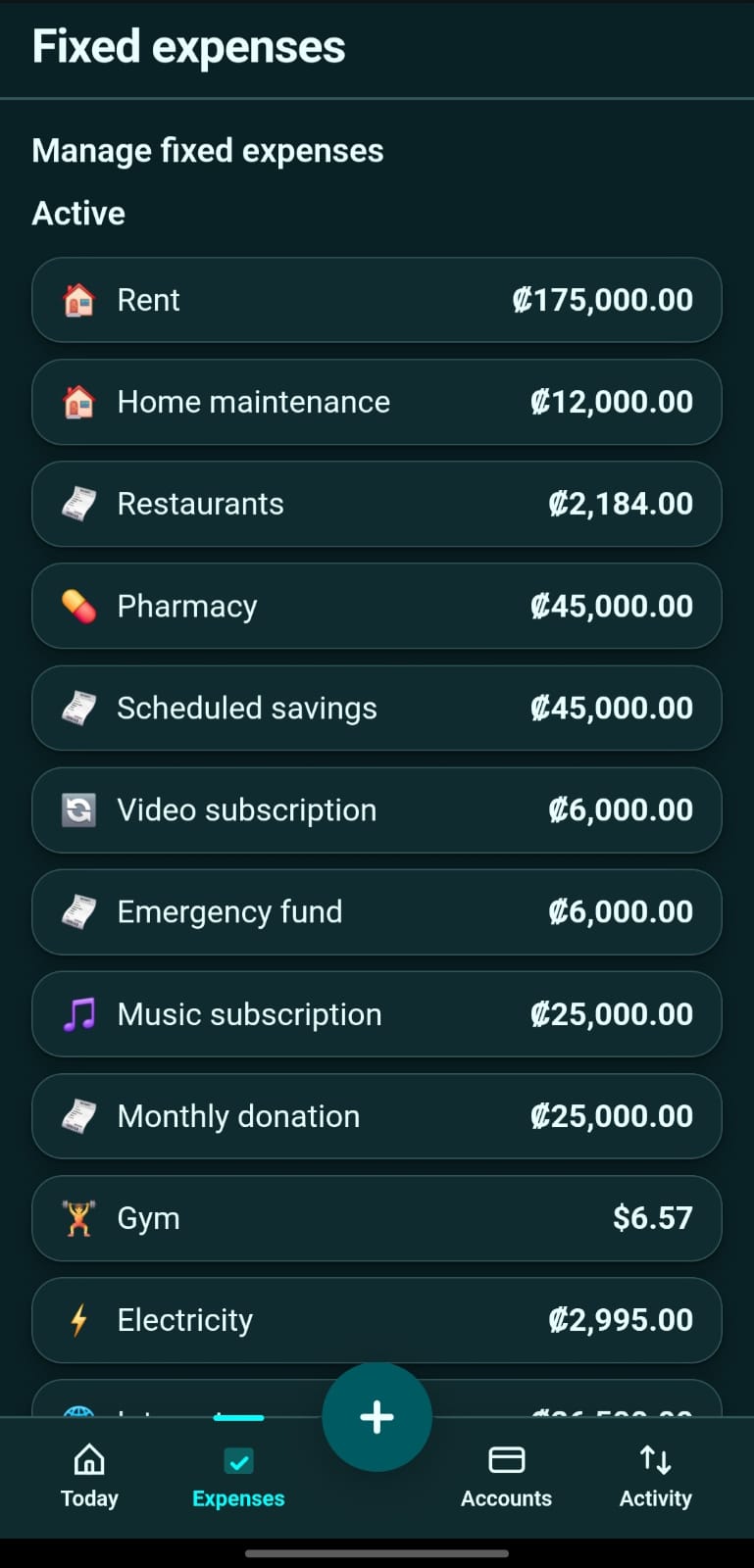
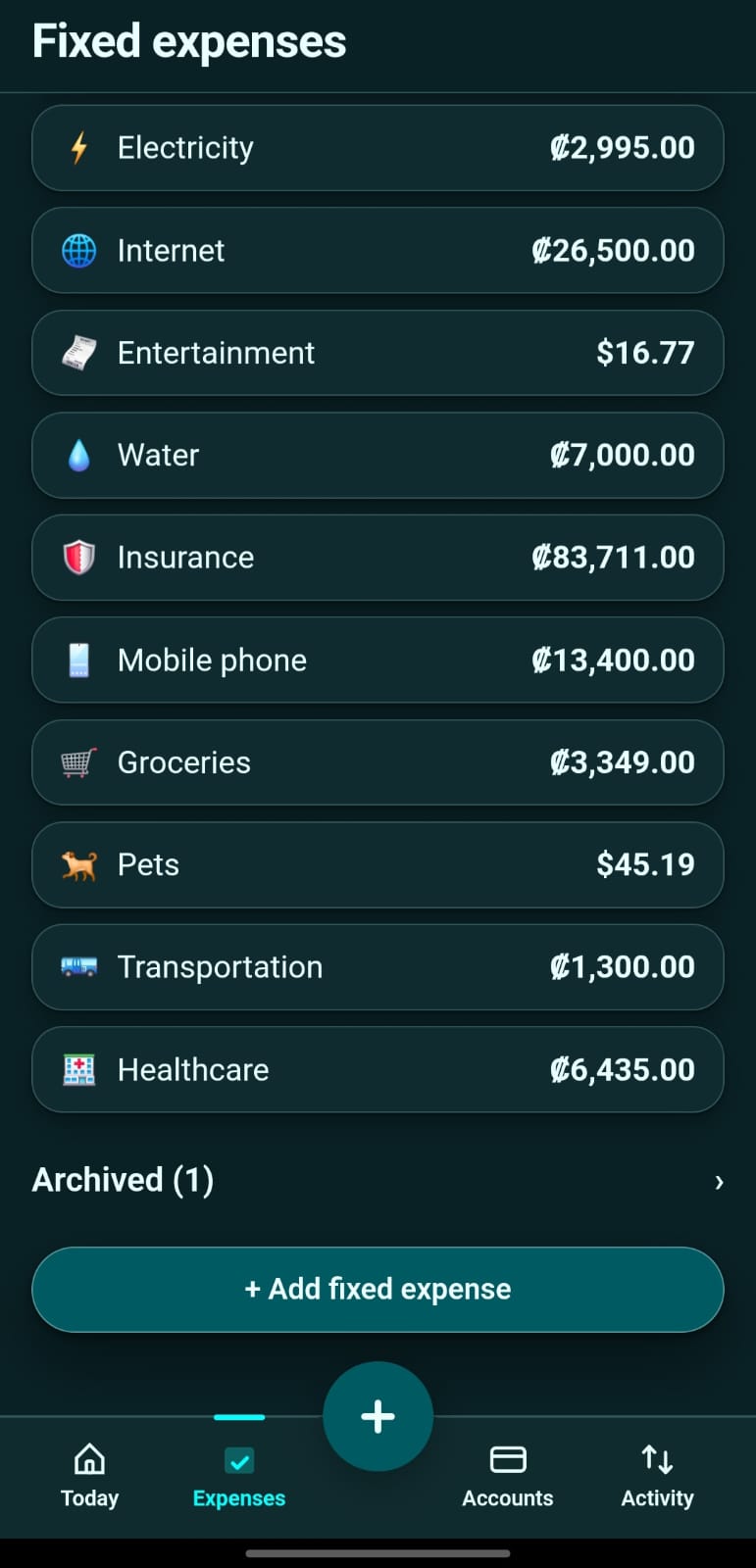
Expenses paid every month on one or more set days, with the option to split them into installments. The application shows what is due in the current period, and you can record the payment from there. An expense that no longer applies is archived without losing its payments, and can be reactivated.
Budget
What you planned versus what actually happened, by period, with committed amounts separated from what is available.
Pay periods
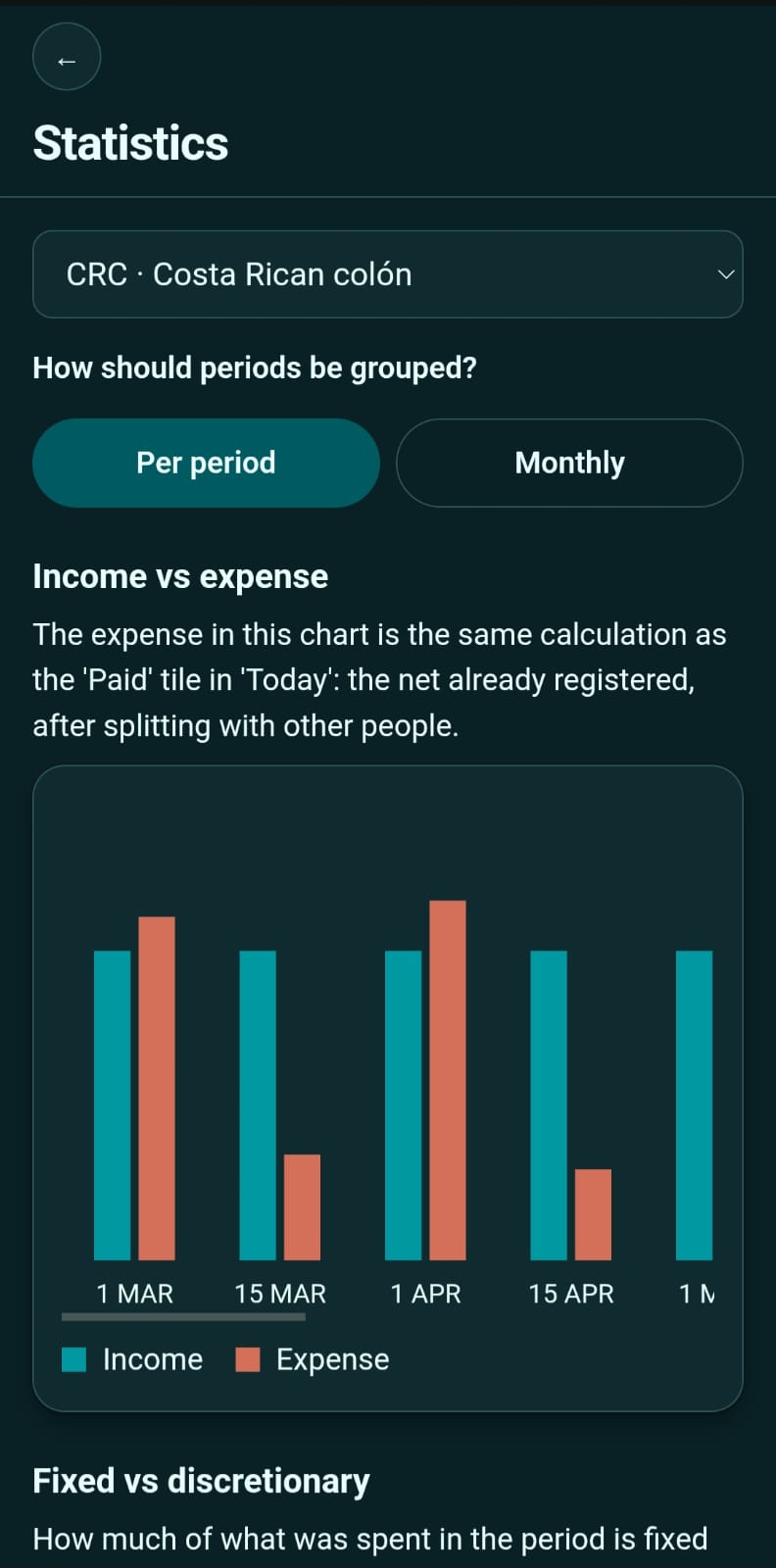
A period is the span of time you use to organize income and expenses. Equilibrio uses two per month: the 1st through the 14th, and the 15th through the last day. You can view periods separately or group them by month; this changes the presentation, not the recorded data.
Multiple currencies
Each account has its own currency. Totals are shown separately by currency, and you enter the exchange rate when conversion is needed; the application never looks up a rate online.
Backups
Your data is backed up in two ways, and you can use one or both.
On your device: you export a file that you keep wherever you want and can import on the same device or another.
In Equilibrio: a copy on the Equilibrio server, manual or automatic when you open the app, that you restore on any device with your license activated.
Both are encrypted with a password you choose, and restoring a file replaces the data on the device. Keep the password somewhere safe: Equilibrio does not store it and cannot recover it for you.
Works offline
Once installed, you can manage accounts and transactions offline. The license is a one-time payment and does not expire: it comes with a number of uses. Internet is needed to activate the key and, if you use it, to receive emails from the Gmail add-on. When it has internet, the application verifies the key on its own; offline it keeps working for up to 30 days after its last verification, plus 7 days with a notice.
Installs as an application
On Android and iOS, add it to your home screen and open it like any other application, without going through an app store.
Languages and appearance
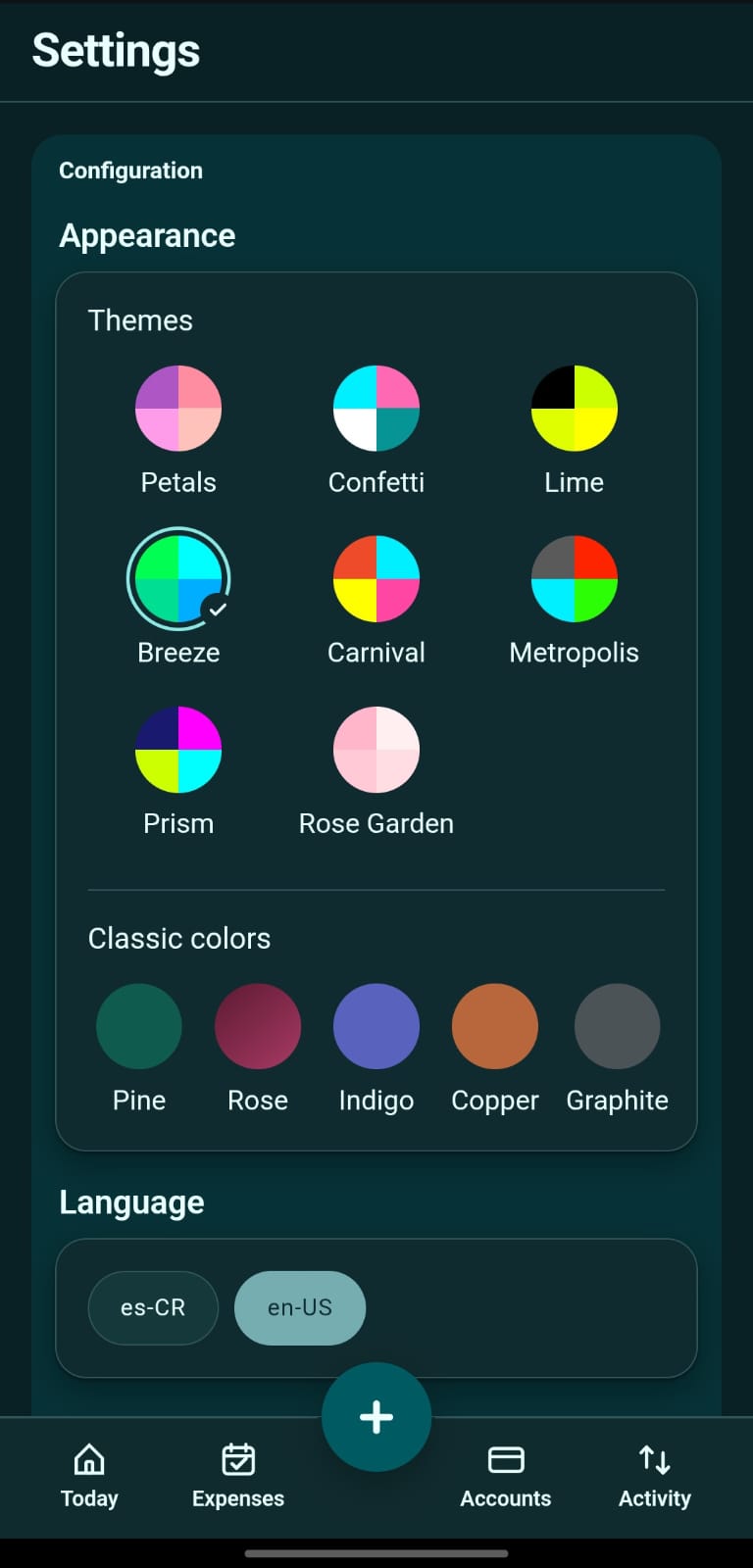
Spanish and English, eight themes, and five classic colors. Every option works in light and dark mode.
That last point is a design decision, not a limitation. An incorrect amount that looks right is worse than an empty field: you notice an empty field, but you save an incorrect amount.